






Vision System Theory of Operation- This system
is a gray-scale system. The system works on a scale of
256 shades of gray. The scale is from 0 (which is true
black) to 256 (which is true white).
The camera has what is called a pixel map chip, which
is a grid of squares or rectangles, depending on camera
type. The size of the pixels depends on the field of view
of the camera, and the calibrated resolution, of the pixel
map.
When the camera captures an image, the camera determines
the size of the component, location, and size of leads
(for leaded components), by the number and location of
the pixels filled.
In order for the camera to operate properly, it must have
the following:
1. Proper Focus (see machine’s calibration manual
for focus procedure). Keep in mind, that if the focus
is changed, camera resolution (pixel size) must be reset
using the camera resolution jig. A quick way to check
for proper focus of your camera is to tear the corner
off a piece of notebook paper. Place the paper on a nozzle;
jog the nozzle over the prism of the camera. Capture a
live image, and check that there are fibers clearly visible
along the tear. If there are fibers clearly visible, your
camera is focused properly.
2. Proper Aperture Setting (refer to machine’s
calibration manual for proper setting). Improper
aperture settings will shrink an image if it is set too
bright or enlarge an image if it is too dark.
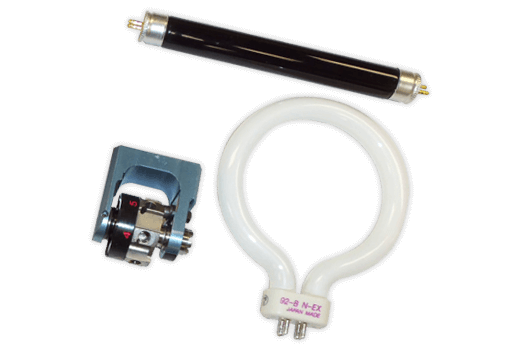
3. Proper Backlight Bulb and Nozzle Anti-Marking Illumination
Disk Brightness can dramatically affect the performance
of your camera system. There is no sure way to test the
bulbs by themselves, without installing new AMIDS, on
the machine’s nozzles. Testing of the AMID will
be covered later in this document, due to setup issues
that if not set, will adversely affect the results. |
 |
| In the illustration, there is an example of a segment
of pixel map depicting the single lead side of a SOT.
Notice that the body and the single lead have values of
20 or less. The image gets darker toward the center of
the lead and part body. The row of pixels just outside
of the part jumps from 18 - 19 too greater than 150. The
next row of pixels and the remaining pixels in the grid
have values of 254 or greater. |
|